Operating system
- Windows 10 or 11
- macOS 12 or later
- Android 7.0 or newer
Merge, compress, create PDFs from images, and convert common image formats. No caps, watermarks, account, or subscription.
Orenvo PDF v1.0.2
LocalDesktop
Android 7.0+
10 languages
Four tools
Create one PDF from separate files, with the order set before export.
Reduce oversized PDFs for email, storage, or upload limits with adjustable compression.
Turn JPG, PNG, WebP, BMP, or TIFF images into a single PDF with manual page ordering.
Convert supported image batches between JPG, PNG, and WebP formats.
Tauri and React provide the app shell while the Rust backend handles supported file work.
Use dark or light themes, accent colors, mobile-friendly file picking, and a localized interface in 10 languages.
Inside the app
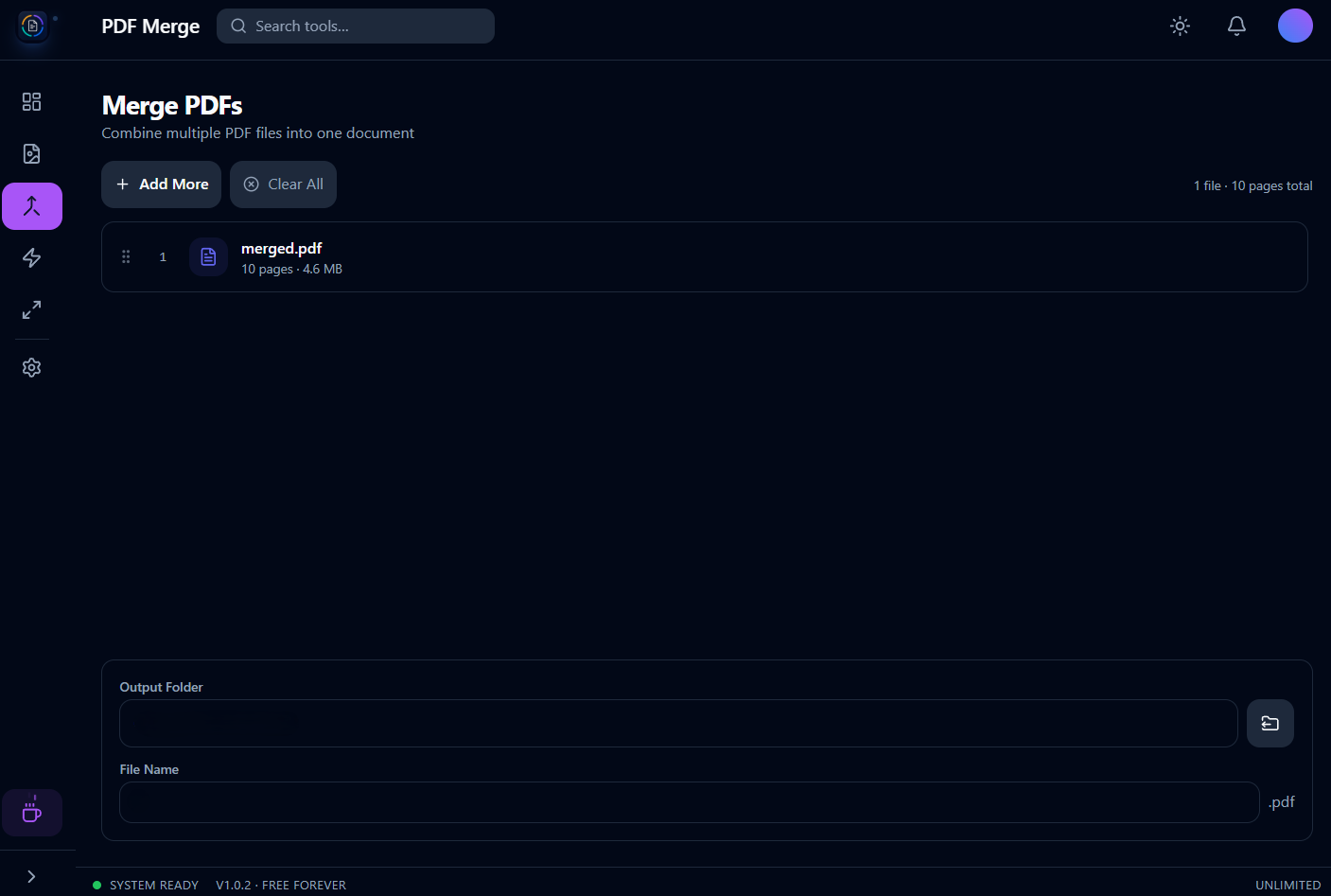
Merge PDFs
Order files, then export one clean PDF.
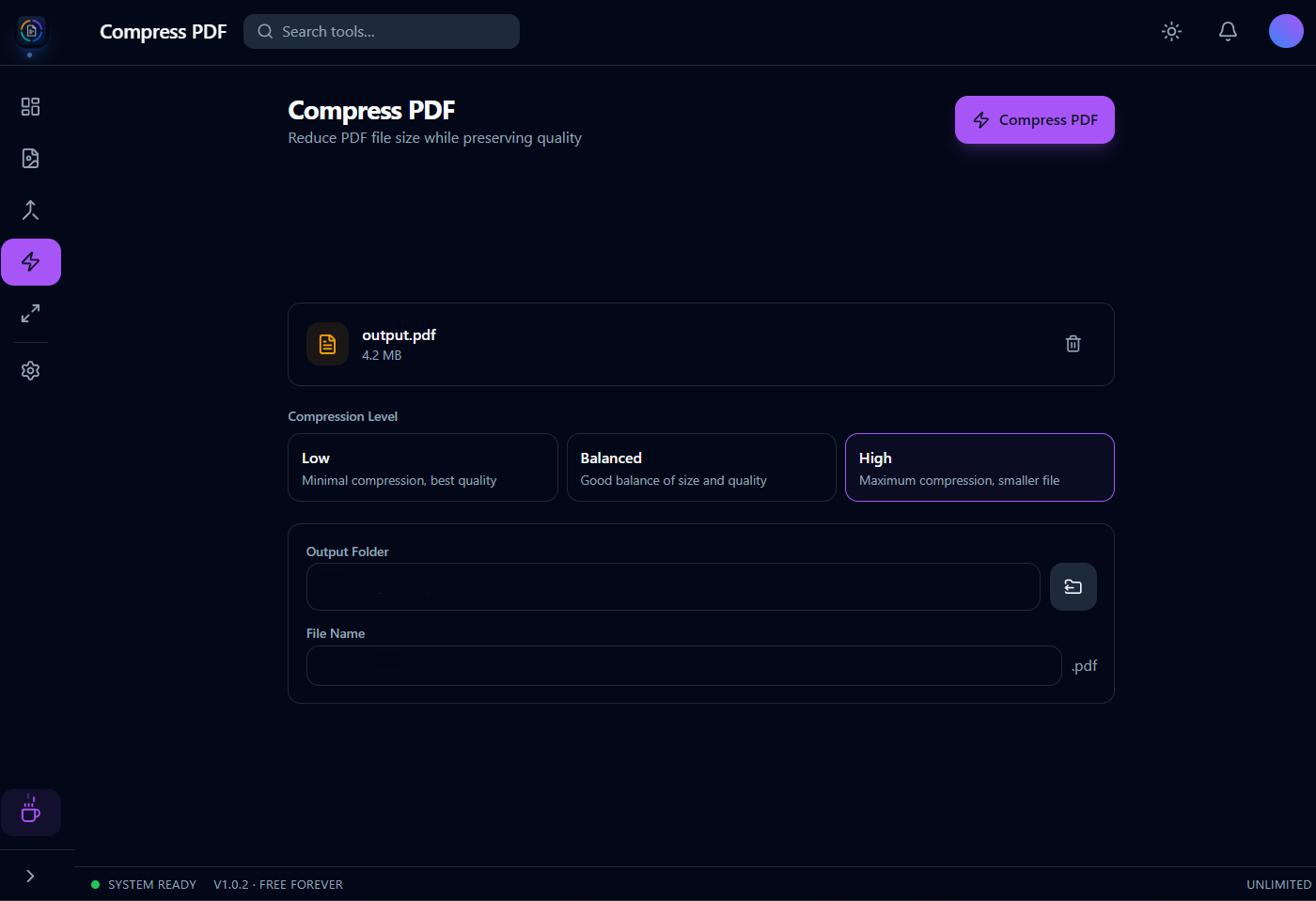
Compress PDFs
Shrink oversized files for email and upload limits.
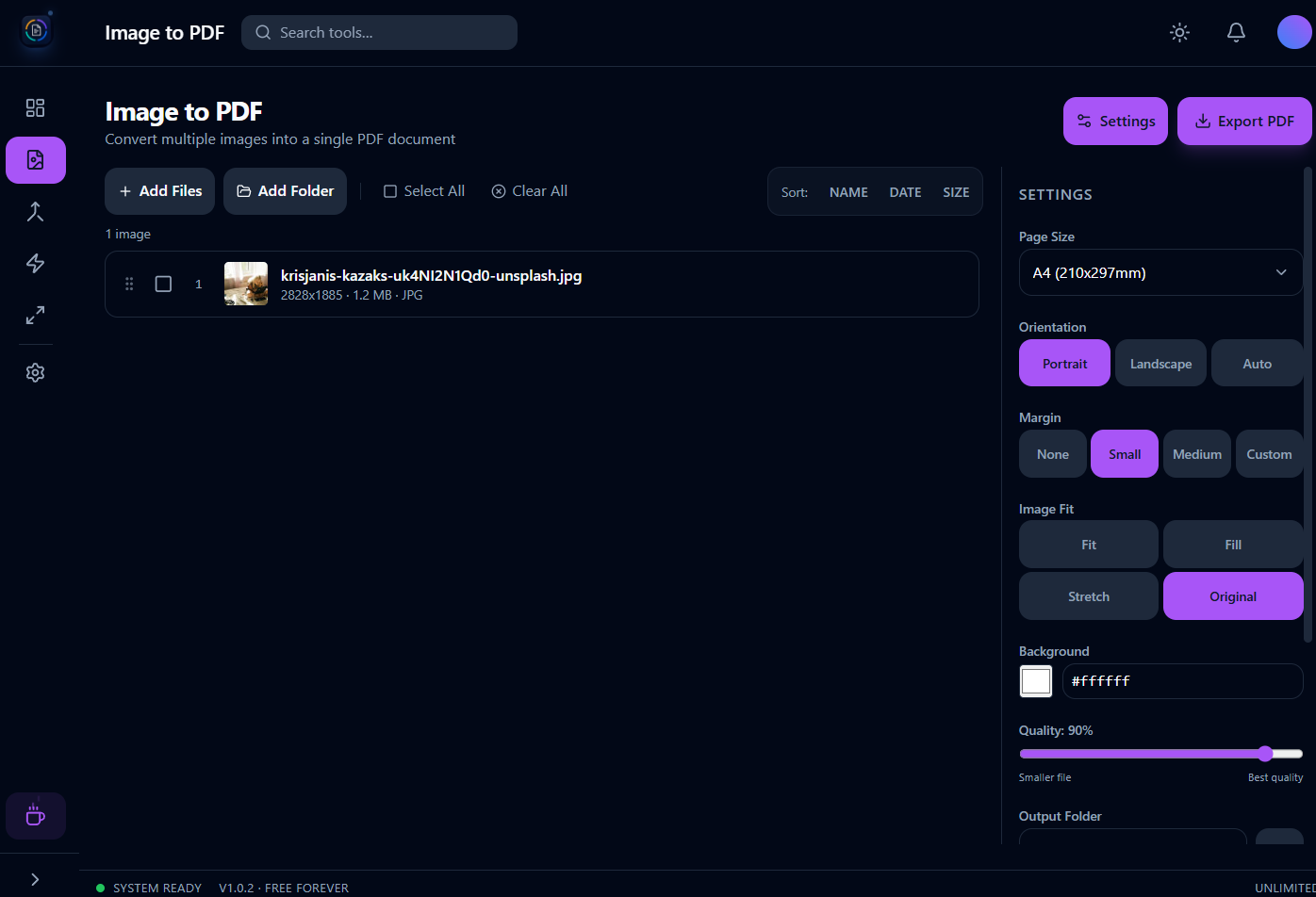
Image to PDF
Turn JPG, PNG, or WebP into a single document.
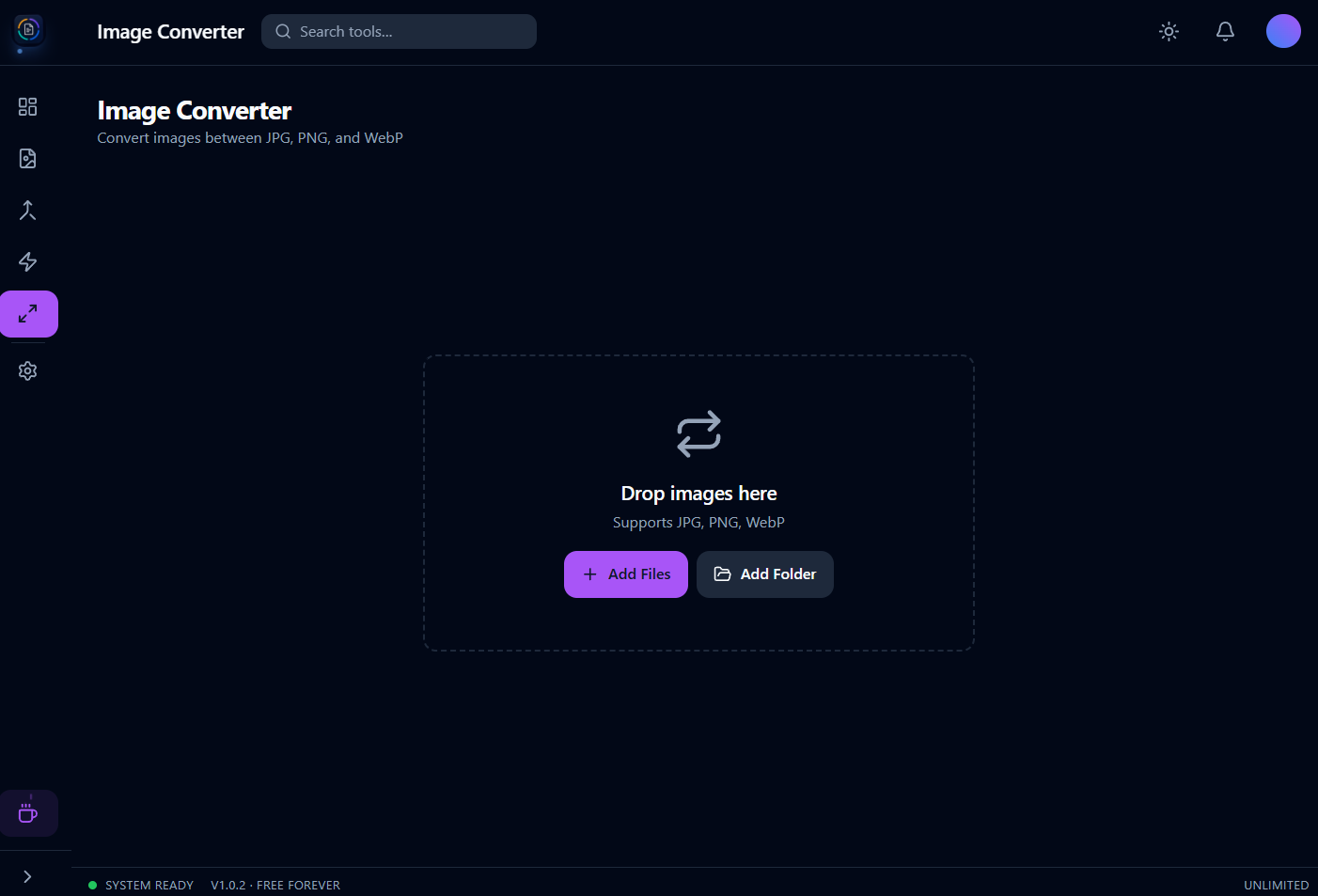
Image converter
Convert between common image formats in batches.
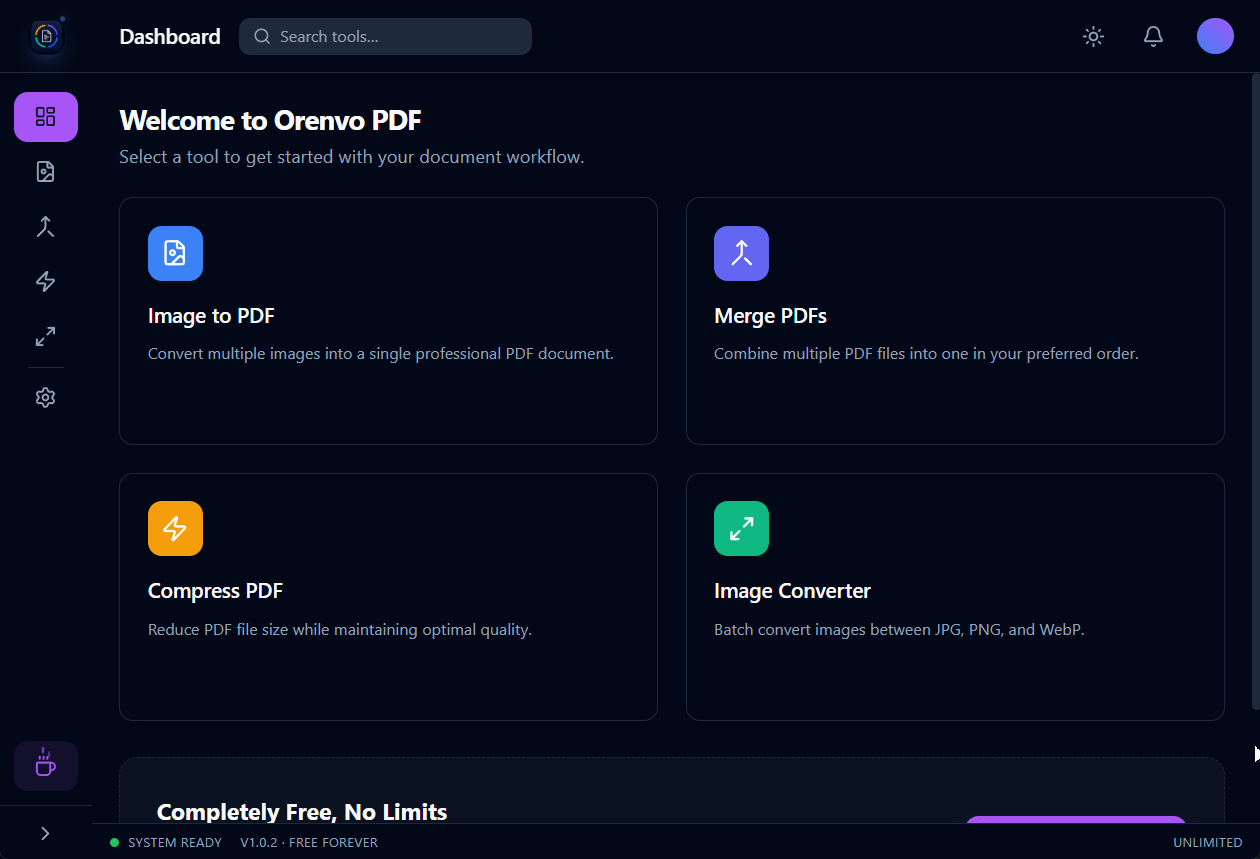
One simple dashboard
Pick a tool and start — everything in one window.
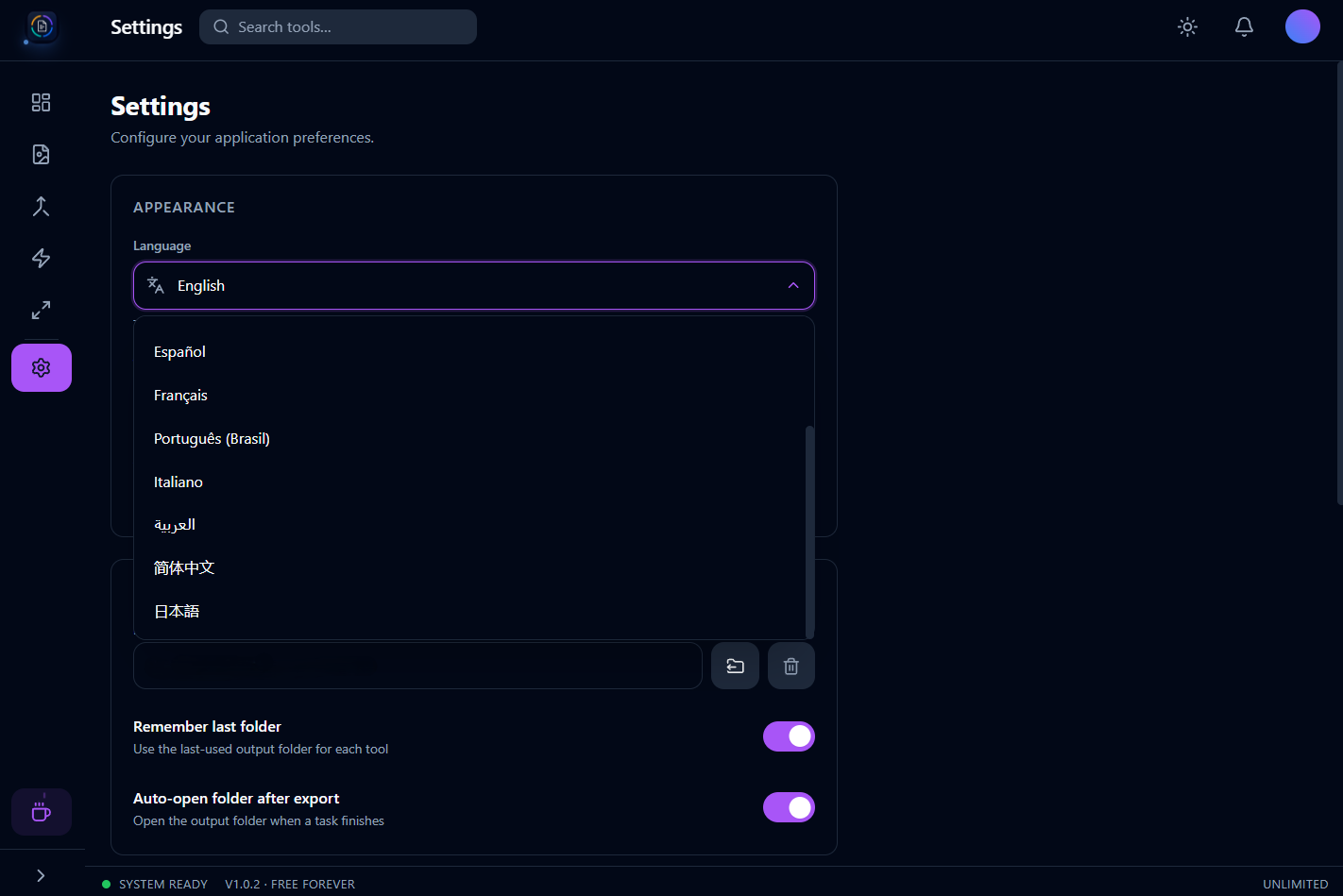
Your controls
Themes, accent colors, and a configurable output folder.
Android
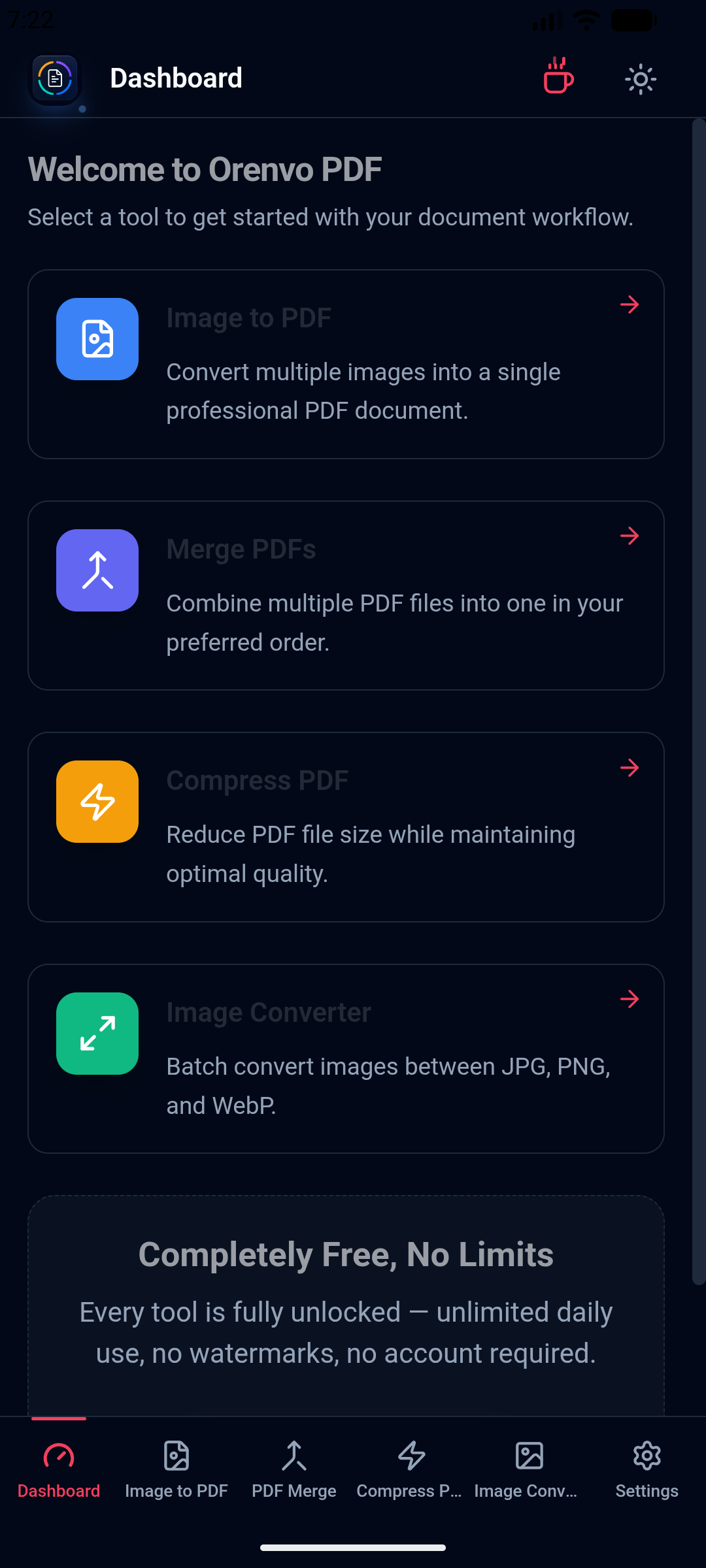
Mobile dashboard
Access all four tools from one Android dashboard.
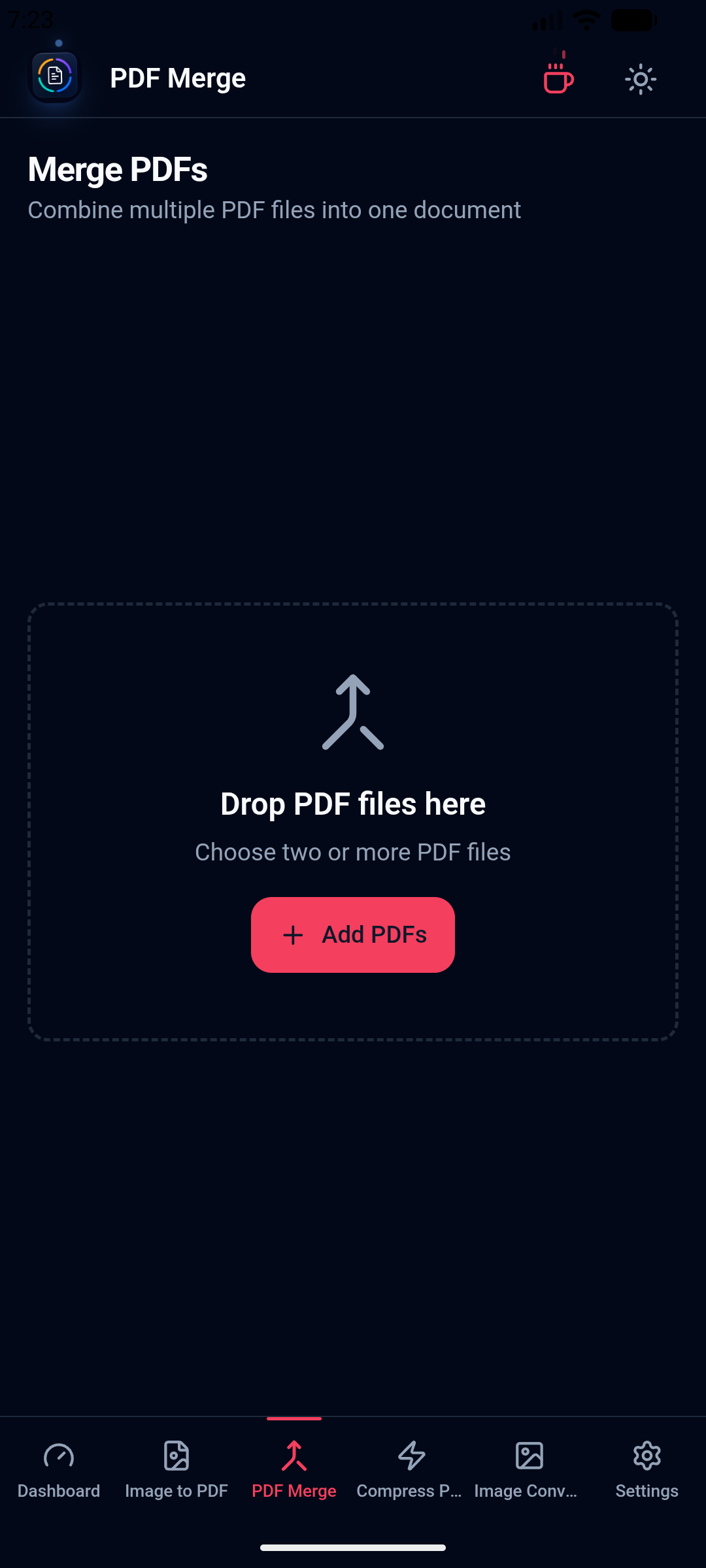
Merge PDFs on Android
Choose PDF files and combine them in the order you need.
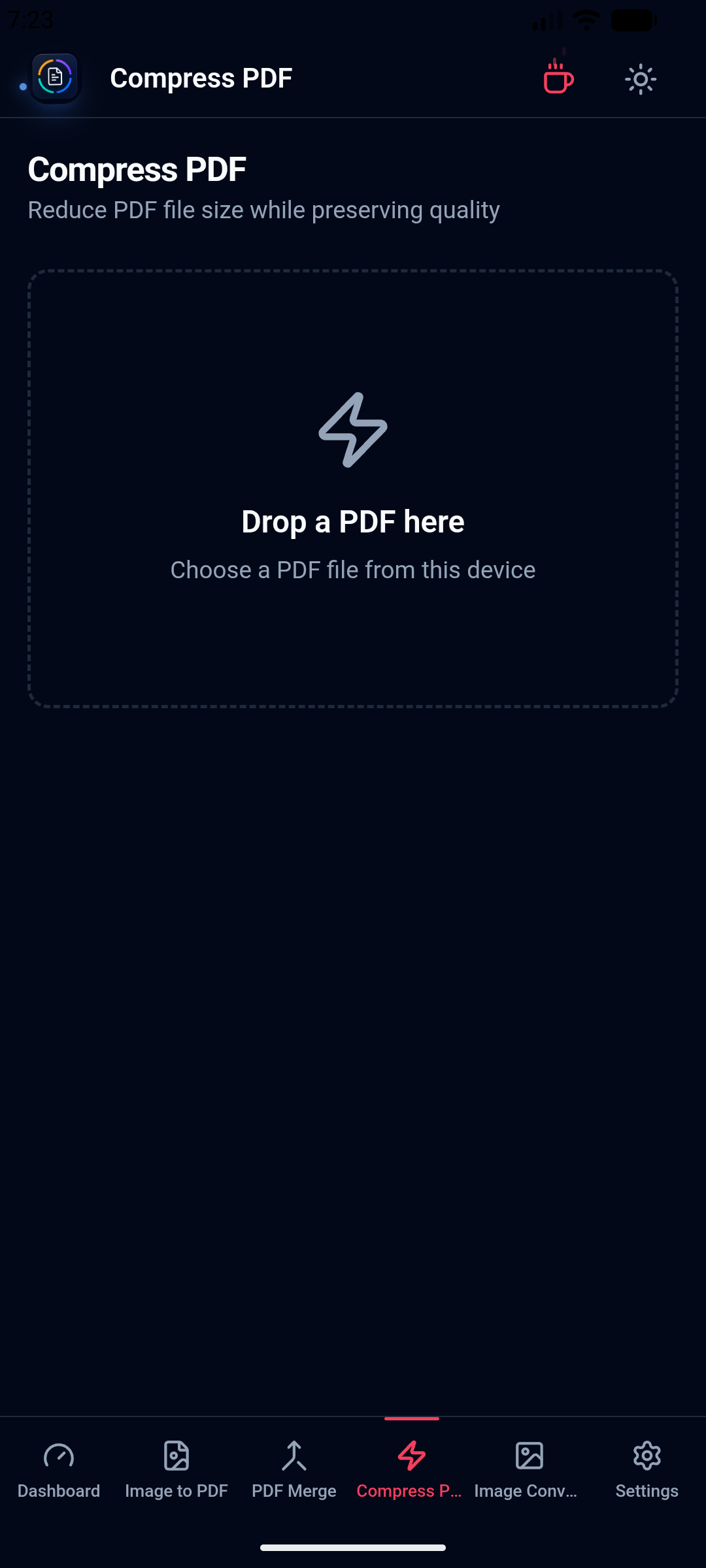
Compress PDFs on Android
Reduce PDF size with processing kept on the device.
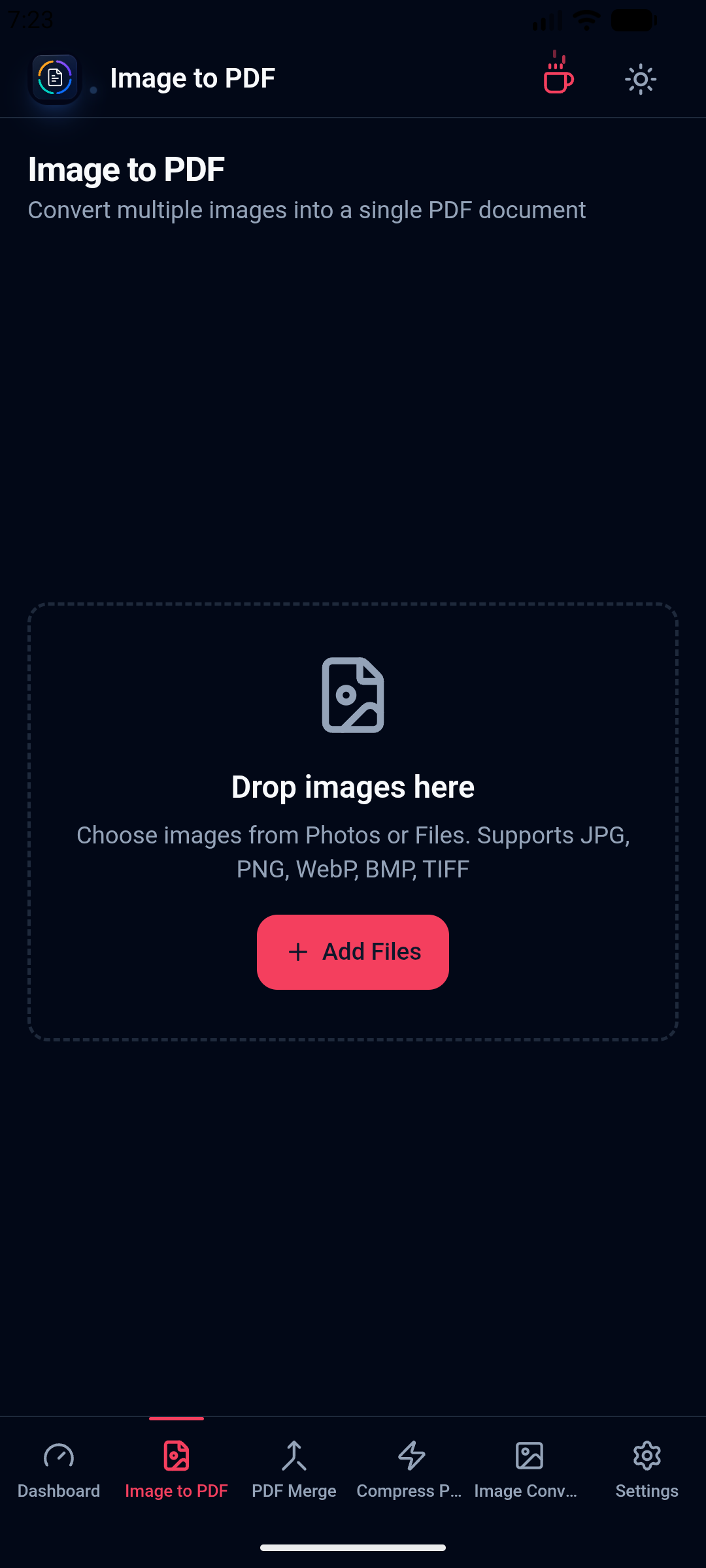
Create PDFs from images
Pick mobile images and export one ordered PDF.
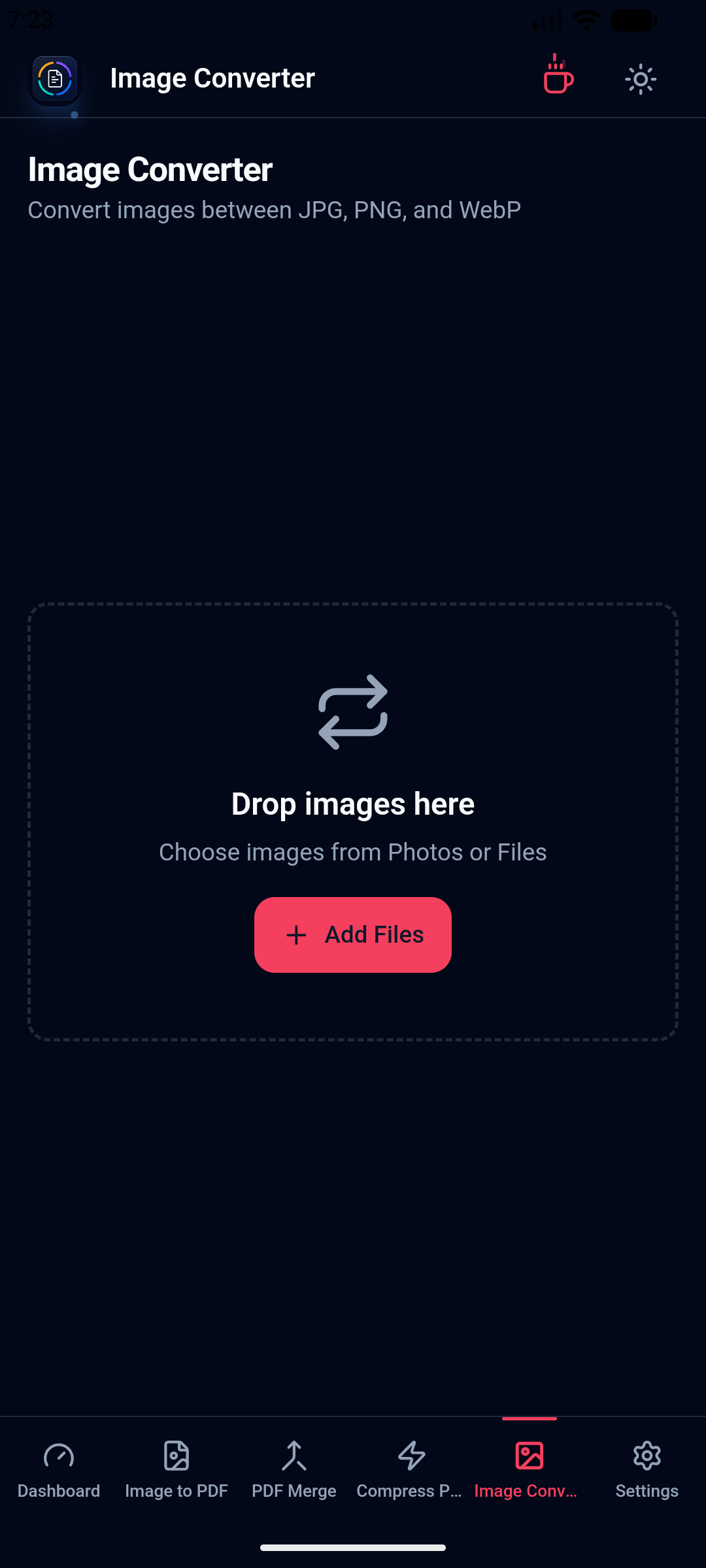
Convert images on Android
Batch-convert common image formats from the same app.
How it works
Open Merge, Compress, Image to PDF, or Image Converter based on the file problem in front of you.
Arrange files, pick compression, choose page sizing, or select the target image format.
Orenvo PDF writes the finished file to the location you choose on desktop or Android.
Completely free
All four tools are completely free and unlimited — no daily caps, no watermarks, no account, and no Pro tier. Files never leave your machine.
Designed for everyday desktop workstations.
Straight answers about licensing, local processing, device limits, refunds, downloads, and supported platforms.
Yes. All four tools — PDF Merge, PDF Compress, Image to PDF, and Image Converter — are completely free, with no daily limits, no watermarks, and no Pro tier.
No. Merging, compressing, and converting all run locally through Orenvo PDF's Rust backend. There is no upload step for any of the four tools.
No. Download the app and start using any of the four tools immediately — no sign-in required.
Orenvo PDF v1.0.2 is available for Windows, macOS, and Android. Android 7.0 or newer is supported through one universal APK.
The universal APK includes arm64-v8a, armeabi-v7a, x86, and x86_64, covering Samsung devices and other common Android phones and tablets.
The interface is available in English, Turkish, German, Spanish, French, Brazilian Portuguese, Italian, Arabic, Simplified Chinese, and Japanese.
JPG, PNG, and WebP, in either direction, with batch conversion support.
No. There's no Pro tier or paid version — every tool is free and fully unlocked for everyone, with nothing to unlock later.
Recent product changes, versioned clearly and kept free of marketing language.
July 31, 2026
June 19, 2026
May 20, 2026
Popular paths
Specific Orenvo PDF workflows: merging, compressing, converting images, and working fully offline.
Workflow page
PDF Tools for Android
Open
Workflow page
Offline PDF Converter for Android
Open
Workflow page
Universal APK PDF Tools
Open
Workflow page
Merge PDF on Windows
Open
Workflow page
Compress PDF on Windows
Open
Conversion guide
Images to PDF Converter
Open
Conversion guide
JPG to PDF
Open
Conversion guide
PNG to PDF
Open
Conversion guide
WebP to PDF
Open
Workflow page
Offline PDF Converter
Open
Workflow page
Free PDF Tools for Windows
Open
Get started
Choose the Windows installer, a macOS build, or the universal Android APK and use all four tools free, offline, and unlimited.