AI Image Upscaler for Windows
Upscale small or blurry images locally with 2×, 4×, and 8× AI models that run on your own hardware.
The free version lets users try the core workflow first. Pro unlocks the full desktop toolset, including unlimited batch workflows, AI tools, automation, and advanced formats.
Upscale images on Windows
AI upscaling
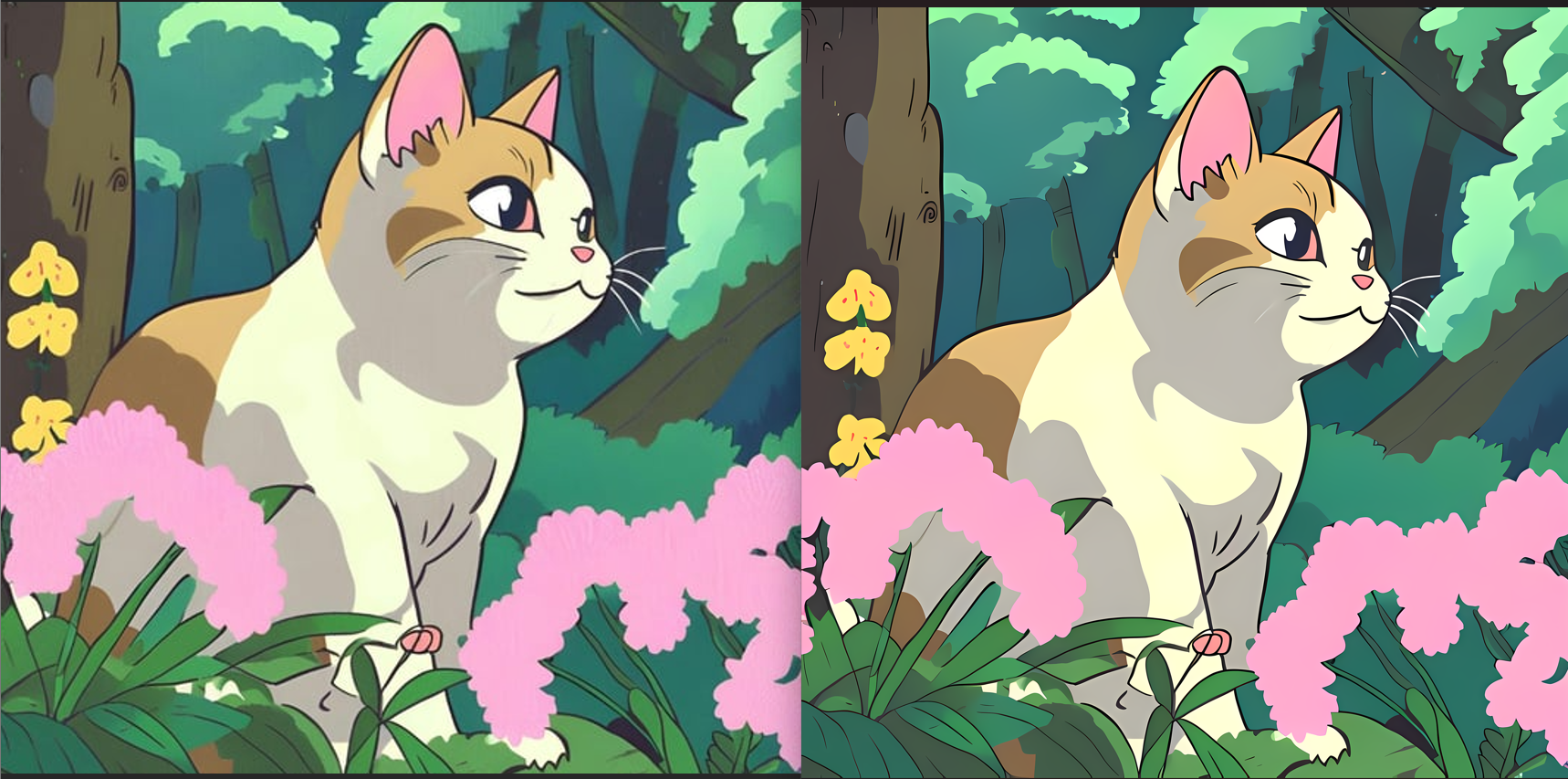
Use 2x, 4x, or 8x upscaling models on your own hardware after setup.
Download free
Try the workflow
Upgrade when ready
Why Orenvo Pro works here
Use Orenvo Pro when privacy, control, or repeatability matter more than a browser shortcut.
Why this matters
Why use an offline AI image upscaler?
Local upscaling gives you sharper output without sending small or private images through a cloud service.
Operational fit
Orenvo Pro is a local-first Windows app for image work that should stay under your control, from format changes to AI cleanup.
Free first
Download the free version to test the core workflow before upgrading.
No Pro tier
Upgrade for unlimited batch workflows, AI tools, automation, and advanced formats.
How it works
How to upscale images with Orenvo Pro
Choose the files, set the workflow, and run it locally without sending the images anywhere else.
Step 01
Add the image or folder to the app.
Step 02
Choose AI upscaling and set the scale level.
Step 03
Set the output folder and any format options.
Step 04
Run the job locally on your Windows PC.
Why Orenvo Pro
Why Orenvo Pro fits AI upscaling on Windows
Benefit 01
2×, 4×, and 8× offline AI upscaling
Benefit 02
GPU acceleration when DirectML is available
Benefit 03
Batch support for repeated workflows
Benefit 04
No browser upload step and no subscription requirement
Privacy
Upscaling that stays local
Orenvo Pro keeps AI upscaling on your own hardware, which is useful when images should not leave the workstation.
Supported image processing runs locally on your Windows PC.
AI models download once, then run locally after setup.
License checks, updates, model downloads, and support/reporting features may use network access.
FAQ
Frequently asked questions
Clear answers before users download, test, or upgrade the workflow.
Does Orenvo Pro upscale images offline?+
Background removal/upscaling runs locally after the required model is available. The image file is not uploaded for normal supported workflows.
What scale levels are supported?+
Orenvo Pro supports 2×, 4×, and 8× AI upscaling.
Orenvo Pro
Upscale images locally with Orenvo Pro
Download free to try Orenvo on Windows. Upgrade to Pro when you need offline AI upscaling, batch controls, and the full image workflow.