Offline Image Converter for Windows
Use Orenvo Pro when the image workflow needs to stay local for privacy, speed, or simple operational control.
The free version lets users try the core workflow first. Pro unlocks the full desktop toolset, including unlimited batch workflows, AI tools, automation, and advanced formats.
Image conversion on your PC
Local workflow
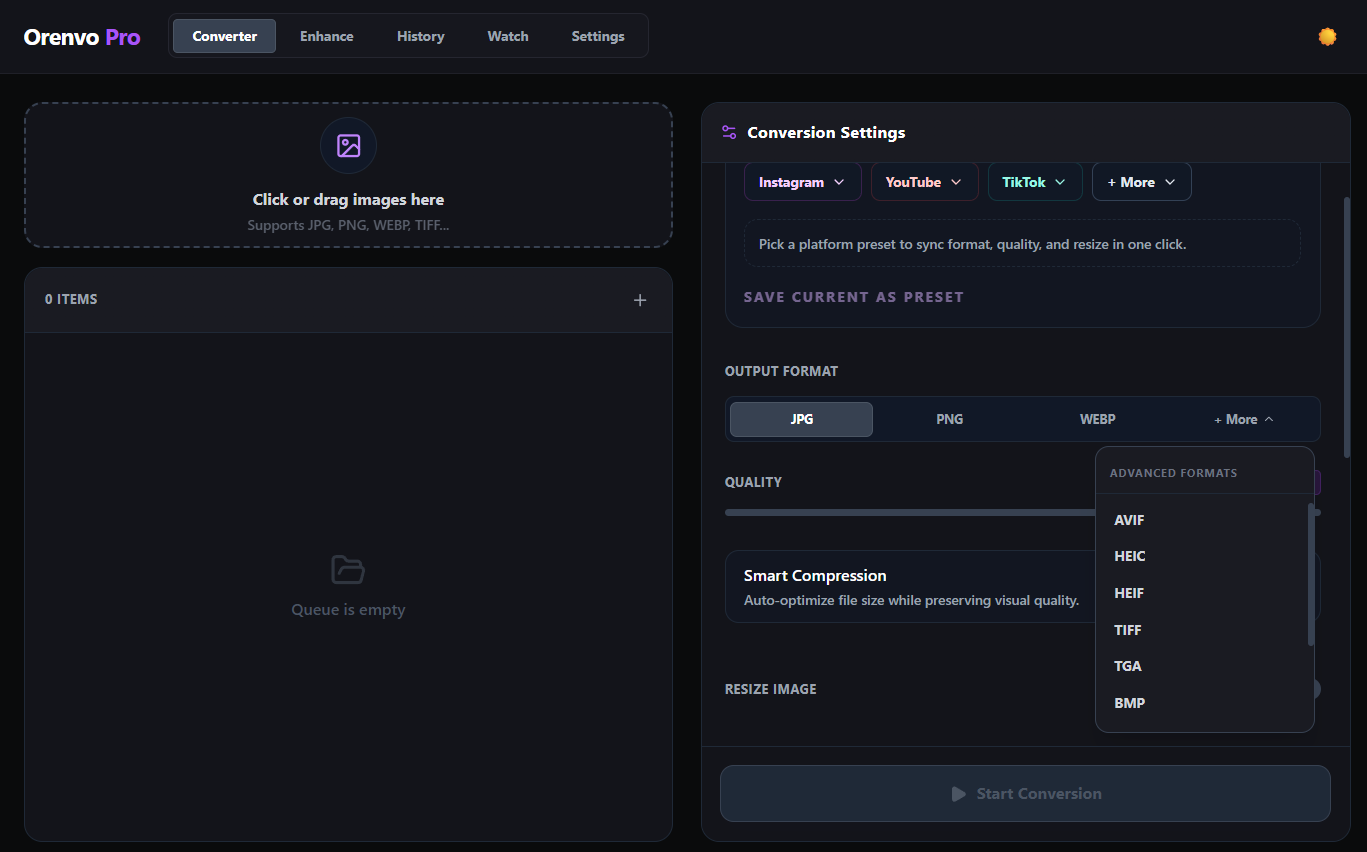
Supported conversion workflows run locally on Windows.
Download free
Try the workflow
Upgrade when ready
Why Orenvo Pro works here
Use Orenvo Pro when the job is bigger than a quick conversion and needs a stable local workflow.
Why this matters
Why use an offline image converter?
Keeping the workflow local avoids upload delays and keeps image handling on the machine you control.
System fit
Orenvo Pro is designed for image work that comes back every week: repeated folders, predictable outputs, and AI tools that stay on your machine.
Free first
Download the free version to test the core workflow before upgrading.
No Pro tier
Upgrade for unlimited batch workflows, AI tools, automation, and advanced formats.
How it works
How to convert images offline with Orenvo Pro
Set the workflow once, then run it again on full folders or watched locations whenever the job returns.
Step 01
Load the images or folders into the app.
Step 02
Choose the output format and optional AI tools.
Step 03
Set naming, compression, resize, and output rules.
Step 04
Run the workflow locally on Windows.
Why Orenvo Pro
Why Orenvo Pro works offline
Benefit 01
Conversion and AI inference run on your machine
Benefit 02
No account is required for the main desktop workflow
Benefit 03
Explicit output routing keeps the process readable
Benefit 04
Watch mode lets recurring jobs stay local too
Privacy
Local-first image work
Orenvo Pro is designed around local processing, with no image uploads in the supported conversion, background removal, or upscaling workflows.
Supported image processing runs locally on your Windows PC.
AI models download once, then run locally after setup.
License checks, updates, model downloads, and support/reporting features may use network access.
FAQ
Frequently asked questions
Clear answers before users download, test, or upgrade the workflow.
Does Orenvo Pro require internet for conversion?+
The core image processing workflow runs locally. Internet may be needed for license checks, updates, model downloads, and support/reporting features.
Who needs an offline image converter?+
It fits private client work, internal asset pipelines, travel setups, and anyone who prefers a desktop workflow over browser uploads.
Orenvo Pro
Convert images locally with Orenvo Pro
Download free to try the local Windows workflow. Upgrade to Pro when you need unlimited batch workflows, AI tools, automation, and advanced formats.