Convert AVIF to JPG on Windows
Create broader-compatibility JPG output from AVIF folders with local processing and clear output control.
The free version lets users try the core workflow first. Pro unlocks the full desktop toolset, including unlimited batch workflows, AI tools, automation, and advanced formats.
AVIF files to JPG fallback
Compatibility export
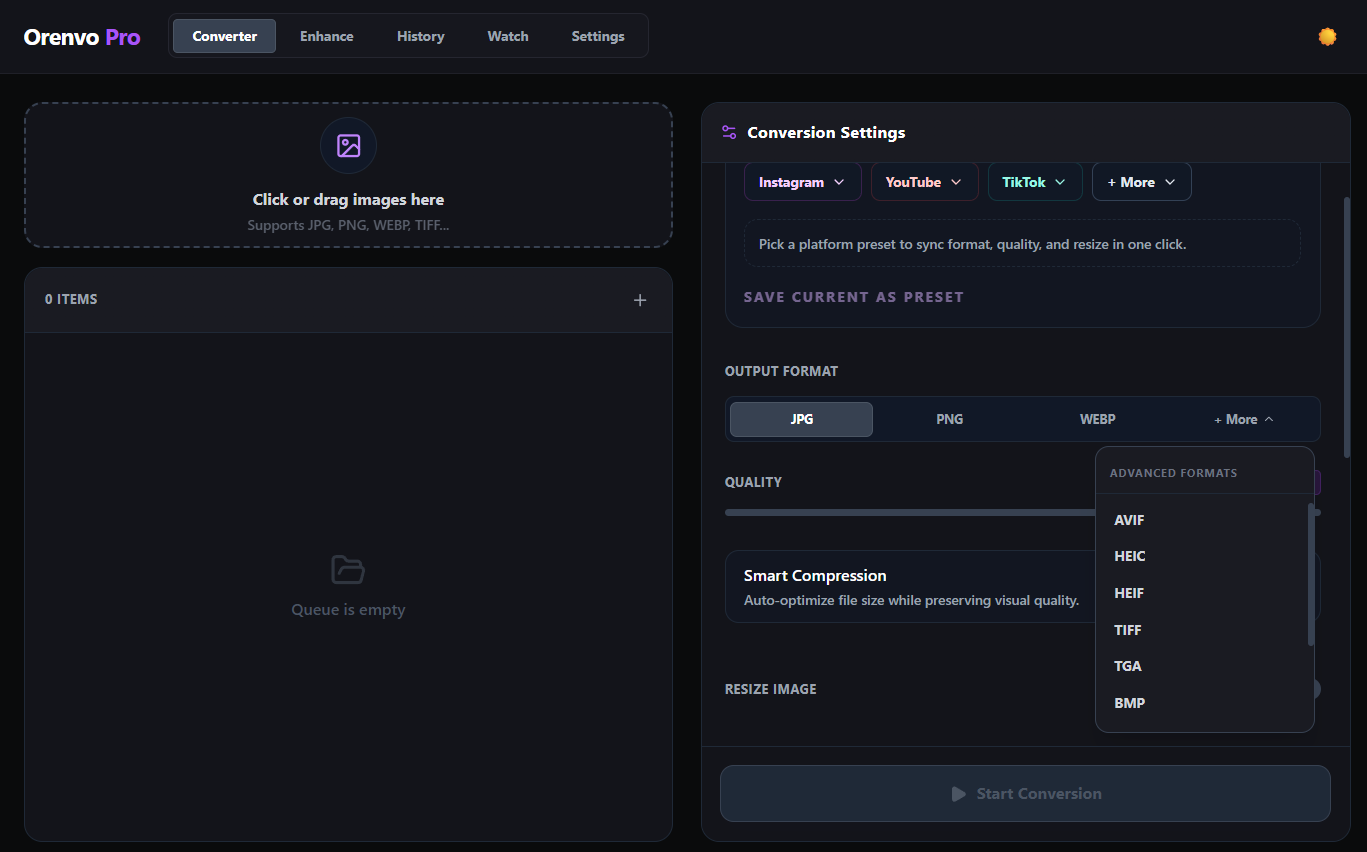
Convert newer formats into safer fallback files for clients and tools.
Download free
Try the workflow
Upgrade when ready
Why Orenvo Pro works here
Use Orenvo Pro when a format change needs a real desktop workflow, not a disposable upload tool.
Why this matters
Why convert AVIF to JPG?
AVIF is efficient, but JPG is still easier to open almost everywhere. That makes it a practical fallback format.
Format workflow
Orenvo Pro treats format conversion as part of a broader local image workflow: batch processing, AI tools, compression, and explicit outputs in one app.
Free first
Download the free version to test the core workflow before upgrading.
No Pro tier
Upgrade for unlimited batch workflows, AI tools, automation, and advanced formats.
How it works
How to convert AVIF to JPG with Orenvo Pro
Load the files, choose the output, set the rules, and run the workflow locally.
Step 01
Load the AVIF files or folders.
Step 02
Choose JPG as the output format.
Step 03
Set output and naming rules.
Step 04
Run the batch locally on your machine.
Why Orenvo Pro
Why Orenvo Pro fits AVIF fallback work
Benefit 01
Processes full AVIF folders in one run
Benefit 02
Keeps fallback output in explicit folders
Benefit 03
Lets you pair conversion with rename or resize rules
Benefit 04
No browser upload step for sensitive assets
Privacy
Compatibility work that stays local
Orenvo Pro keeps AVIF conversion on-device, which helps when assets are private, pre-release, or part of a larger desktop workflow.
Supported conversion workflows run locally on your Windows PC.
No account is required for the main desktop workflow.
Output folders stay explicit instead of disappearing into a browser download flow.
FAQ
Frequently asked questions
Clear answers before users download, test, or upgrade the workflow.
Can Orenvo Pro batch convert AVIF to JPG?+
Yes. Orenvo Pro handles AVIF folders and exports JPG output locally on Windows.
Why convert AVIF to JPG?+
JPG is still the safer fallback when a downstream tool or client environment needs wider compatibility.
Orenvo Pro
Convert AVIF to JPG with Orenvo Pro
Download free to try the core workflow on Windows. Upgrade to Pro when batch controls, AI tools, automation, and explicit output folders save real time.