Convert HEIC to PNG on Windows
Turn HEIC photo batches into PNG files locally for editing, compatibility, and handoff.
The free version lets users try the core workflow first. Pro unlocks the full desktop toolset, including unlimited batch workflows, AI tools, automation, and advanced formats.
HEIC photos to PNG output
Photo compatibility
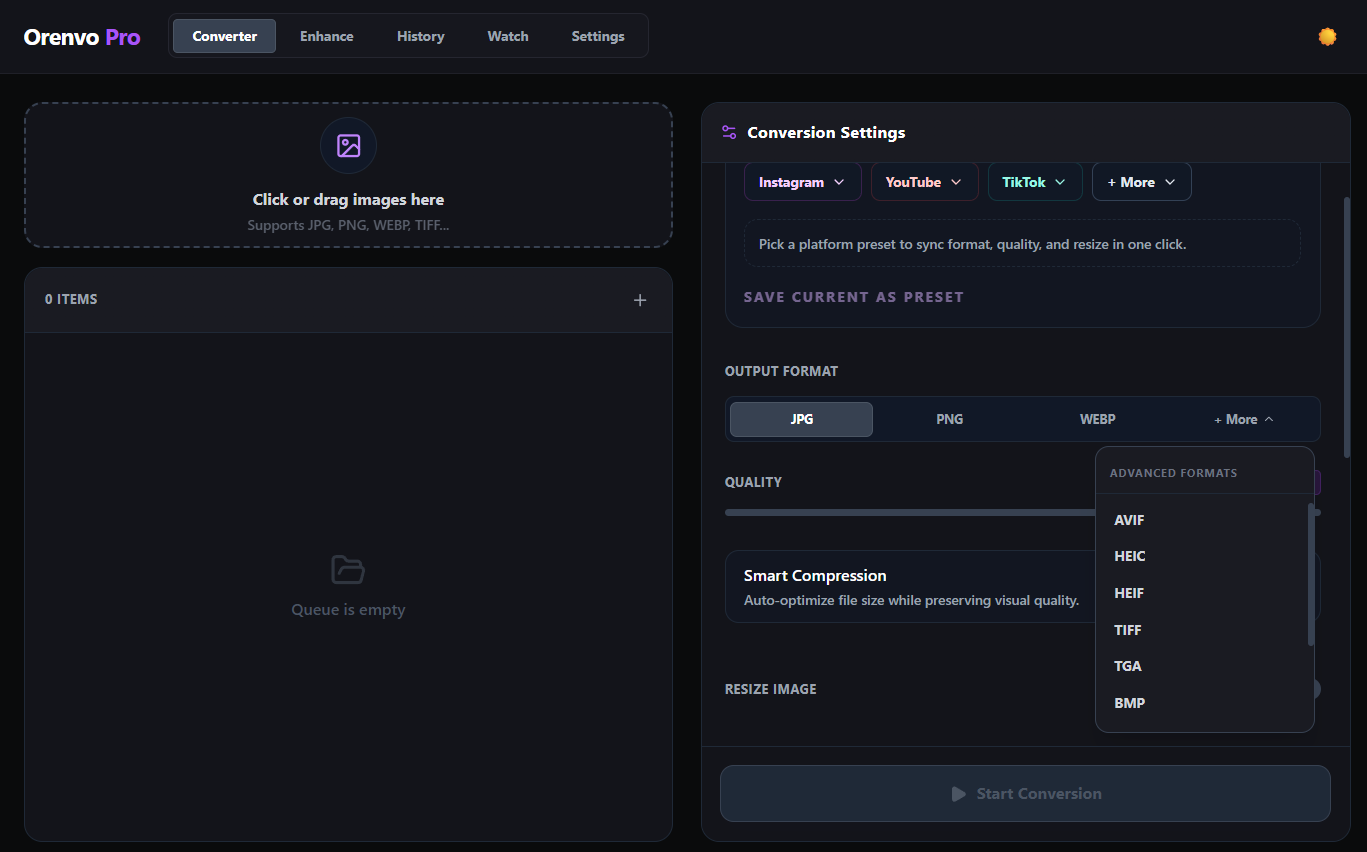
Prepare HEIC photo sets for editors, review tools, and handoff.
Download free
Try the workflow
Upgrade when ready
Why Orenvo Pro works here
Use Orenvo Pro when a format change needs a real desktop workflow, not a disposable upload tool.
Why this matters
Why convert HEIC to PNG?
PNG is still easier to hand off into some editors, review tools, and compatibility-sensitive workflows than HEIC.
Format workflow
Orenvo Pro treats format conversion as part of a broader local image workflow: batch processing, AI tools, compression, and explicit outputs in one app.
Free first
Download the free version to test the core workflow before upgrading.
No Pro tier
Upgrade for unlimited batch workflows, AI tools, automation, and advanced formats.
How it works
How to convert HEIC to PNG with Orenvo Pro
Load the files, choose the output, set the rules, and run the workflow locally.
Step 01
Load the HEIC or HEIF files.
Step 02
Choose PNG as the output format.
Step 03
Set the destination folder and optional rename or resize rules.
Step 04
Run the batch on your PC.
Why Orenvo Pro
Why Orenvo Pro works for HEIC compatibility
Benefit 01
Converts whole photo folders instead of one file at a time
Benefit 02
Keeps output folders explicit
Benefit 03
Lets you resize and rename during export
Benefit 04
Runs locally with no browser upload step
Privacy
Private photo conversion
HEIC conversion stays on your machine, which is useful for personal archives, work photos, and client image sets.
Supported conversion workflows run locally on your Windows PC.
No account is required for the main desktop workflow.
Output folders stay explicit instead of disappearing into a browser download flow.
FAQ
Frequently asked questions
Clear answers before users download, test, or upgrade the workflow.
Can Orenvo Pro convert HEIC folders in one run?+
Yes. Add HEIC files or folders, choose PNG, and process the batch locally.
Does HEIC conversion require an account?+
No. Orenvo Pro does not require an account for the main conversion workflow.
Orenvo Pro
Convert HEIC to PNG with Orenvo Pro
Download free to try the core workflow on Windows. Upgrade to Pro when batch controls, AI tools, automation, and explicit output folders save real time.